Point: A Color Font That Brings Creative Ideas to Life
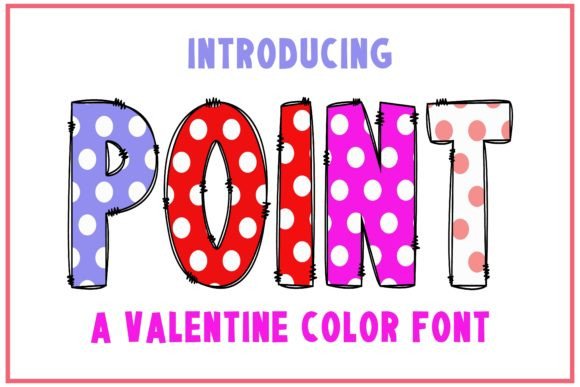
Every designer knows the feeling—you're staring at a project, and something's missing. The layout works, the colors pop, but the typography feels flat. That's where a font like Point changes everything. This isn't just another typeface sitting quietly in the background. Point is a color font with personality, built with beautiful, well-balanced characters that actually make your designs feel finished.
What sets Point apart is its ability to work across such a wide pool of creative projects. Whether you're designing a logo for a new brand, putting together social media graphics, or crafting invitations for a client, this font brings a sense of warmth and approachability that's hard to fake with standard typefaces. The characters feel intentional—each letterform has been carefully designed so that nothing looks out of place when you put words together.
Understanding What Makes Point Special
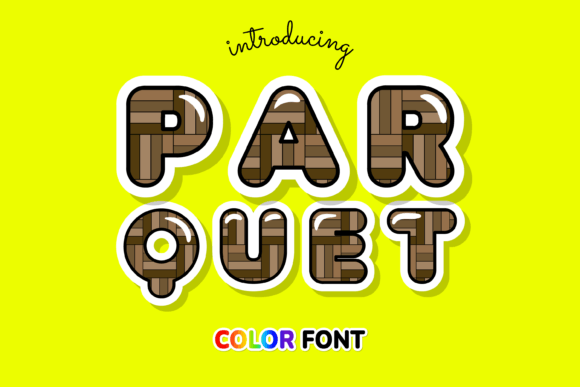
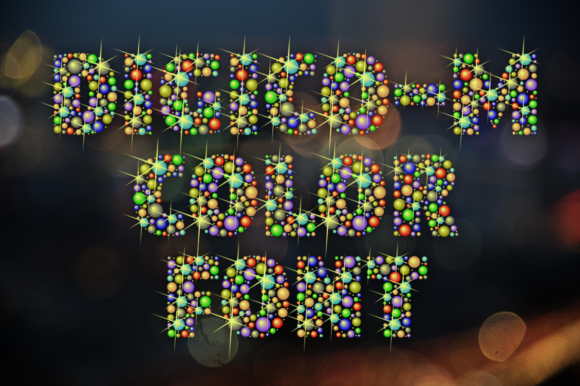
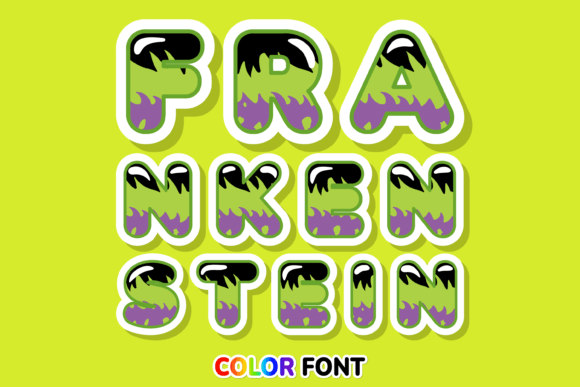
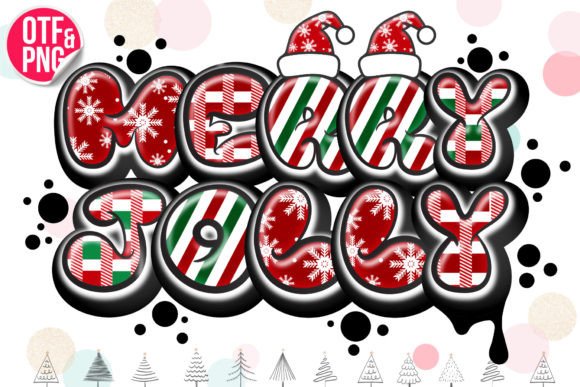
Point falls into the category of color fonts, sometimes called OpenType-SVG fonts. Unlike traditional fonts that render in a single flat color, color fonts can display multiple colors, gradients, and even textures within each character. This means the letters themselves carry visual depth without any extra design work on your part.
The visual appeal of Point comes from its lovely and cute aesthetic. It's not overly playful to the point of looking childish, but it's far from stiff or corporate. Think of it as a font that sits comfortably in the middle—friendly enough for a bakery's branding, polished enough for a lifestyle blog, and distinctive enough to stand out on packaging at a craft fair.
The well-balanced character design is worth emphasizing. Some decorative fonts sacrifice readability for style, but Point manages to keep both. Each letter has consistent proportions, so when you type out longer phrases or sentences, the text holds together visually. This balance is what makes it practical for real-world use rather than just display headlines.
Where Point Shines: Practical Applications
The versatility of this font is one of its strongest qualities. Here are some specific ways creative professionals and small business owners are putting color fonts like Point to work:
- Brand Identity: If you're building a brand from scratch or refreshing an existing one, a distinctive font becomes part of your visual DNA. Point works especially well for brands that want to feel approachable and creative—think handmade goods, boutique shops, wellness brands, or children's products.
- Logo Design: A logo needs to be memorable at a glance. The colorful character of Point gives logos an instant visual hook without requiring complex illustrations or additional graphic elements.
- Packaging Design: On shelves crowded with products, packaging typography can make or break a sale. Point's colorful, well-formed characters draw the eye and communicate quality before a customer even reads the product name.
- Social Media Graphics: Instagram posts, Pinterest pins, Facebook headers—these platforms reward content that stops the scroll. Using a font with built-in color and personality gives your graphics an edge without extra editing time.
- Invitations and Event Materials: Wedding invitations, party flyers, event posters—Point brings a celebratory feel that suits occasions meant to feel special.
- Merchandise and Print Products: Tote bags, mugs, stickers, greeting cards. If you sell physical products with text on them, a font that looks good in print is essential.
- Website and Blog Design: While body text typically needs a more neutral typeface, Point works beautifully for headers, pull quotes, and featured text areas that need visual interest.
- Editorial Layouts: Magazine spreads, lookbooks, and digital publications benefit from display fonts that set a mood. Point adds character to feature headlines without competing with photography.
- Marketing Assets: Email headers, sale banners, promotional flyers—marketing materials need to grab attention quickly, and a distinctive font helps achieve that.
- Digital Products: If you create and sell digital goods like planners, worksheets, or templates, incorporating a premium font like Point can increase perceived value and make your products feel more polished.
Matching Typography to Your Project Goals
Choosing a font isn't just about what looks pretty in a preview. The best typography decisions start with understanding what you're trying to communicate. Ask yourself a few questions before committing to any typeface for a project:
What's the mood? Point carries a friendly, modern energy. It's ideal for projects that need to feel warm, creative, or inviting. If your brand or project leans toward minimalist, stark, or ultra-corporate aesthetics, you might pair Point with a cleaner sans serif font rather than using it alone.
Who's the audience? A font that resonates with young parents shopping for baby products won't necessarily connect with tech startup investors. Point tends to appeal to audiences who appreciate creativity, craftsmanship, and visual warmth. It's a natural fit for markets like home goods, food and beverage, beauty, children's products, and lifestyle brands.
How will it be displayed? Consider whether your text will appear on screens, in print, or both. Since Point is a color font built on OpenType-SVG technology, it renders beautifully in compatible design software like PhotoShop, Illustrator, Silhouette, and Inkscape. Keep in mind that this specific product's OTF and TTF files are not compatible with Cricut machines, so if you're a crafter who relies on Cricut for cutting projects, you'll want to verify compatibility before purchasing.
Font Pairing and Readability Considerations
One of the most practical skills in design is knowing how to pair fonts together. A display font like Point works best when it has a supporting cast. Here are some pairing approaches that tend to work well:
Point with a clean sans serif: Use Point for headlines and a straightforward sans serif for body text. This creates a clear hierarchy—the colorful display font draws attention, while the simpler font handles longer reading passages without fatigue.
Point with a simple serif: For editorial projects or brands with a slightly more traditional feel, pairing Point with a classic serif body font creates an interesting contrast between playful and refined.
Point as an accent: Sometimes the best use of a distinctive font is restraint. Use Point for key phrases, pull quotes, or featured calls to action, and let more neutral typography handle the rest.
Readability should always be a priority. Even the most beautiful font loses its value if people can't easily read what it says. Test your designs at the actual size they'll be viewed. A font that looks gorgeous at 72 points on your screen might become illegible at 14 points in an email header. Print a test copy if you're designing for physical products. What looks sharp on a monitor sometimes falls apart on paper.
Getting the Most from Your Font Investment
A premium font is a design asset, and like any asset, it pays to understand what you're getting. Before using Point or any new typeface in a commercial project, take a moment to review the included font styles and the licensing terms. Commercial licensing varies between font creators, and understanding the terms protects both you and the original designer.
Take time to explore all the characters and styles included with the font. Color fonts sometimes include alternate characters, ligatures, or special glyphs that can add extra flair to your designs. Open the font in your preferred design software and experiment—type out the full alphabet, test different letter combinations, and see how the colors render at various sizes.
If you're new to color fonts, the learning curve is minimal but worth acknowledging. These fonts work differently than standard typefaces, and not every application supports them equally. For the best experience with Point, stick with the recommended compatible software: PhotoShop, Illustrator, Silhouette, or Inkscape. Checking a resource like the Ultimate Font Guide can save you troubleshooting time and help you understand how to get the most out of OpenType-SVG technology.
Typography shapes how people perceive your work before they read a single word. A thoughtfully chosen font like Point—one that balances personality with readability, that works across multiple project types, and that brings genuine visual interest to your designs—is worth having in your toolkit. Add it to your most creative ideas and see what happens when your typography finally matches your vision.